
August 24, 2026
How to Add Auto Parts Search to Shopify and WooCommerce
Shopify and WooCommerce's built-in search is built for products with unambiguous identity — a shirt is a shirt in any size. Auto parts don't work that way: the same-looking part can fit one vehicle and not the one parked next to it, and generic e-commerce search has no concept of fitment at all.
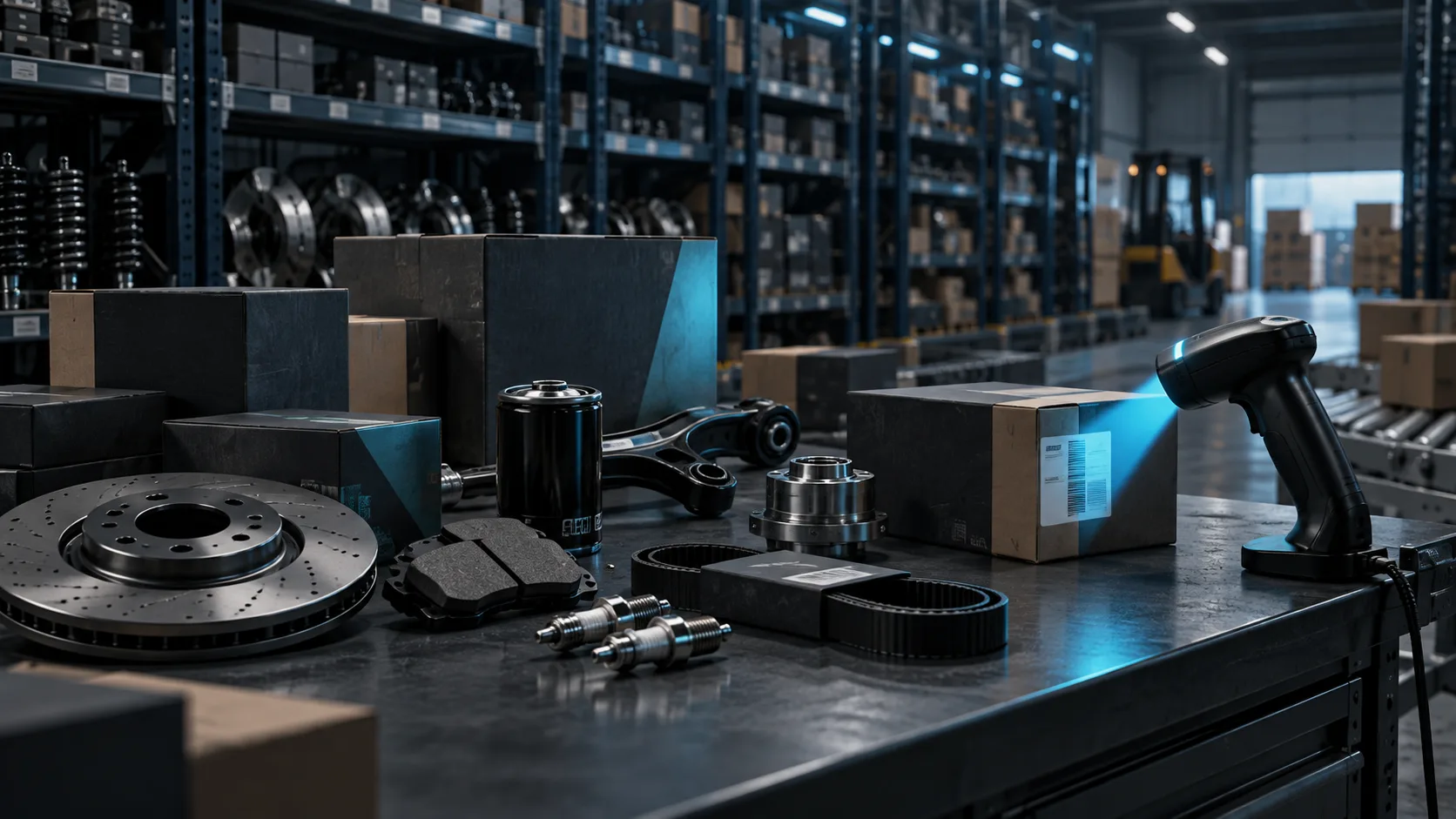
Why generic storefront search doesn't work for auto parts
Standard search matches text against a product title or description. It has no way to know that the brake pad on page one doesn't fit the customer's specific trim, or that an OE number typed into the search bar has an equivalent listed under a completely different SKU. The result is either zero matches for a valid search, or — worse — a confident match that turns into a return.
Two ways to add fitment-accurate search
The first approach embeds a fitment widget on top of existing product listings: a customer enters a VIN, plate, or vehicle description, and the widget filters the storefront to only what actually fits. The second, more flexible approach calls a parts API directly from custom storefront code, so results can be rendered exactly like native products — same branding, same cart flow, no visible seam between your catalog and the fitment data behind it.
What the integration actually looks like
In practice, a storefront calls the API with a VIN, plate, or part number, gets back the compatible parts resolved against your own stock, and renders them using your existing product templates. Because the API returns clean JSON rather than a hosted widget, there's no visual inconsistency between search results and the rest of the store — customers never see a third-party tool bolted onto your checkout flow.
Getting it live
AutoWiz's Parts Catalog Integration is a RESTful API with full documentation, designed to plug into an existing storefront — Shopify, WooCommerce, or a custom build — without requiring a rebuild of your product catalog. Most integrations are live within 7 days.
Frequently asked questions
Do we need to migrate our product catalog to use a parts API?
No. The API resolves fitment against your existing inventory data — it supplements your current catalog rather than replacing it.
Will search results look like a third-party tool on our site?
Not if integrated via API rather than an embedded widget. A REST API returns raw data you render with your own templates, so results look native to your storefront.
Does this work for both Shopify and WooCommerce?
Yes — since the integration is a standard REST API, it works with any platform that can make an HTTP call, including custom storefronts built outside Shopify or WooCommerce entirely.
See it in action
This post ties directly into AutoWiz's Parts Catalog Integration. Create an account to generate an API key, or reach out and we'll help you scope the integration.